
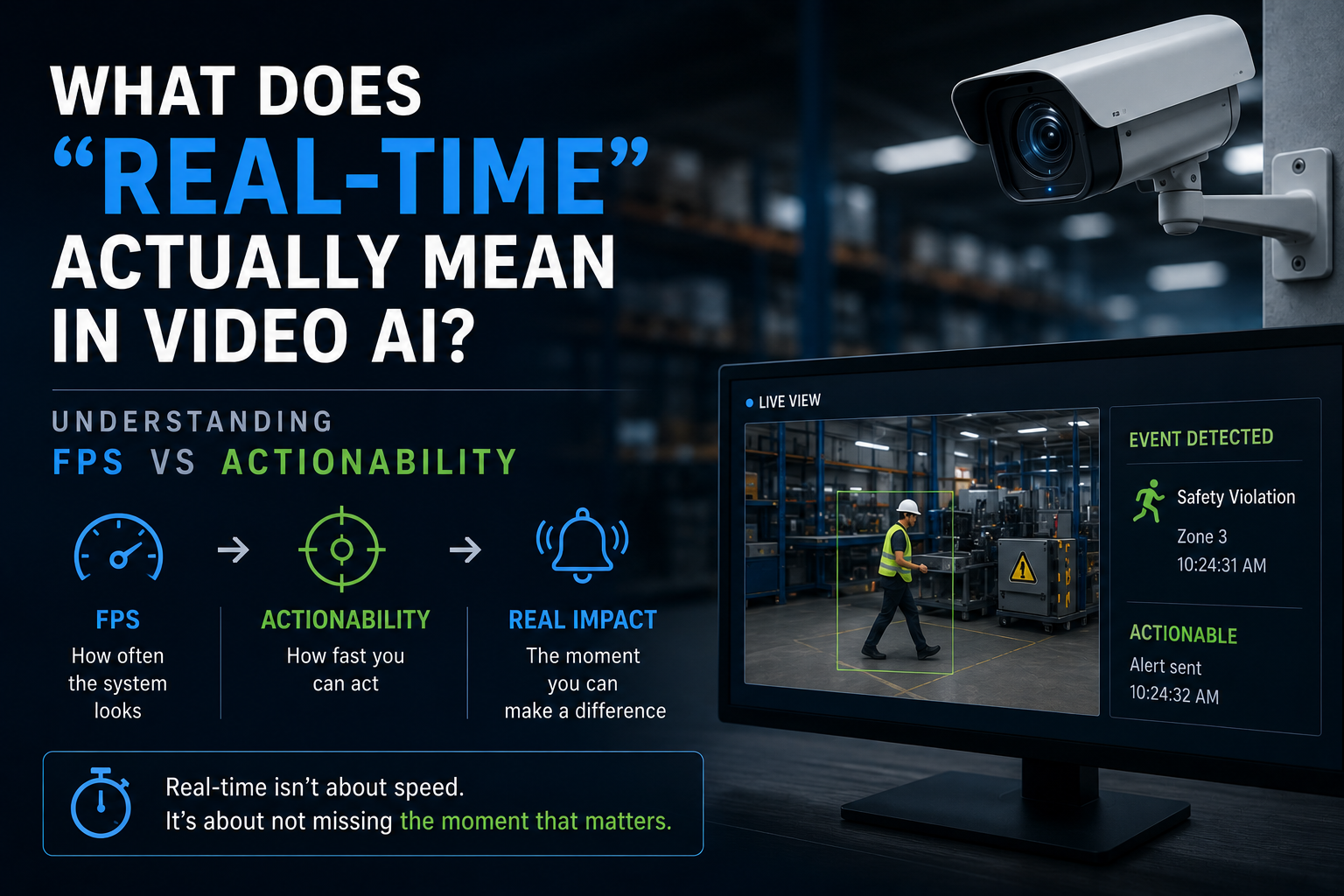
What Does “Real-Time” Actually Mean in Video AI? Understanding FPS vs Actionability
“Is it real-time?”
It’s usually one of the first questions asked when evaluating a video AI system.
And almost every time, the answer is a confident yes.
But if you’ve ever worked with these systems beyond a demo, inside a factory, a warehouse, or even a busy retail floor, you start to notice something strange.
Two systems can both claim “real-time,” and yet behave very differently.
One catches critical events reliably.
The other misses them occasionally, even though it looks fast on paper.
So what’s going on?
The problem is that “real-time” in video AI is often reduced to a single number, FPS (frames per second). And while FPS matters, it doesn’t tell you what you actually need to know:
Will the system see the event when it happens, and can you act on it in time?
Why FPS Became the Default Metric
FPS is easy to understand. It gives you a sense of speed.
If a system processes:
- 2 FPS → slower
- 4 FPS → better
- 8 FPS → even better
It feels like a clear progression.
And in controlled environments, that logic holds.
But production systems are rarely controlled. And that’s where FPS starts to fall apart as a meaningful measure of “real-time.”
The First Reality: Video AI Doesn’t See Everything
Even if your camera captures 25–30 frames per second, your AI system doesn’t process all of them.
It can’t. Not at scale.
Instead, it samples.
Most real deployments, especially those running multiple streams on edge systems like A16 or M08, operate somewhere in the range of 2 to 5 FPS per stream.
That’s not a limitation. It’s intentional.
Because processing every frame across dozens of cameras is not practical, and in most cases, not necessary.
But this changes the nature of the problem.
You’re no longer analyzing continuous reality.
You’re observing snapshots of it.
The Moment That Gets Missed
Now consider how events actually happen.
They are not continuous.
They are brief.
A worker steps into a restricted area.
A defect passes on a conveyor.
An object is misplaced for a split second.
These events might last:
- 200 milliseconds
- 400 milliseconds
- maybe a second
Now compare that to your sampling interval.
At 2 FPS:
- one frame every ~500 ms
At 4 FPS:
- one frame every ~250 ms
At 8 FPS:
- one frame every ~125 ms
Suddenly, the question isn’t “how fast is the system?”
It’s:
Did the system even look at the right moment?
Why Higher FPS Still Doesn’t Guarantee Detection
At this point, it’s tempting to think:
“Okay, just increase FPS and the problem goes away.”
But in real systems, it doesn’t work that cleanly.
Because FPS is rarely consistent.
The Problem With “Average FPS”
When a system says it runs at 4 FPS, that’s usually an average.
But under load, especially when multiple camera streams are sharing compute, the actual behavior looks more like this:
- a few frames processed quickly
- followed by a gap
- then another burst
So instead of evenly spaced sampling, you get irregular intervals.
And that’s where things break.
Why Consistency Matters More Than Speed
Imagine two systems:
System A:
- 4 FPS, evenly spaced every 250 ms
System B:
- 6 FPS on average, but uneven
Which one is more “real-time”?
In practice, System A often performs better.
Because it observes the scene at predictable intervals.
System B might process more frames overall, but if it misses the exact moment when something happens, those extra frames don’t help.
Real-Time Isn’t Just Detection, It’s Timing
Let’s assume your system does detect the event.
That’s only half the story.
Now ask:
When does that detection reach someone who can act on it?
The Delay Nobody Accounts For
Between capture and action, there are multiple steps:
- frame capture
- decoding
- inference
- event generation
- alert delivery
Each step adds delay.
Even in well-optimized systems, this can add up to:
- 500 milliseconds
- 1 second
- sometimes more
When Detection Becomes Too Late
In some use cases, that delay is fine.
In others, it completely defeats the purpose.
Example: Safety Monitoring
If a worker enters a restricted zone and the alert arrives 2 seconds later:
- the person has already moved
- the risk has already occurred
The system worked.
But it wasn’t useful.
Example: Retail Analytics
If customer behavior is analyzed with a 2–3 second delay:
- no problem
Same system.
Different outcome.
This Is Where “Actionability” Comes In
A system is not real-time just because it processes quickly.
It is real-time only if:
its output arrives early enough to influence what happens next
That’s actionability.
And it’s the part most specs don’t capture.
Why Architecture Changes Everything
At this point, FPS alone clearly isn’t enough.
So what actually determines real-time performance?
A lot of it comes down to architecture.
The Edge Advantage (A16 / M08 Context)
When processing happens on edge systems like A16 or M08:
- frames don’t travel far
- latency is predictable
- scheduling is controlled
This leads to:
- consistent sampling
- stable timing
- lower delay variability
Not zero delay, but bounded delay.
And that’s what matters.
The Cloud Challenge
Cloud systems can process quickly too.
But they introduce:
- network delay
- jitter
- queueing under load
Even if average latency looks good, the variation can be large.
And it’s that variation that causes:
- missed events
- delayed alerts
- inconsistent behavior
The Overlooked Role of Input Stability (S06 Angle)
There’s another piece most people miss.
Even before processing begins, the system depends on how video arrives.
If streams are:
- bursty
- inconsistent
- jittery
Then even a fast model won’t behave predictably.
This is where ingestion layers like S06 come in, not as a performance booster, but as a stabilizer.
By smoothing and structuring incoming streams, they help ensure that:
- sampling intervals stay consistent
- processing remains predictable
Which directly impacts real-time behavior.
So What Should You Actually Measure?
Instead of asking:
“What FPS does this system run at?”
A better set of questions would be:
- How consistent is frame processing under load?
- What is the end-to-end delay from capture to alert?
- How often does the system miss short-duration events?
- How does performance change as more cameras are added?
These are harder questions.
But they reflect how systems behave in the real world.
The Real Meaning of “Real-Time”
After all of this, the definition becomes clearer.
A video AI system is truly real-time if:
- it observes the scene frequently enough
- it does so consistently
- and it delivers results fast enough to act
Miss any one of these, and “real-time” becomes a label, not a capability.
Final Thought
It’s easy to chase higher FPS numbers.
They’re simple, measurable, and easy to compare.
But in production environments, what matters is not how fast your system looks on paper.
It’s whether it stays aligned with reality when things get messy, when loads increase, when events are brief, and when timing matters.
Because in the end:
Real-time isn’t about speed.
It’s about not missing the moment that matters.
Building Truly Real-Time Systems with VisionBot
If you’re evaluating or scaling video AI systems, it’s worth looking beyond FPS and focusing on how the system behaves under real conditions.
VisionBot’s approach reflects that:
- Edge AI Servers (A16, M08, B04) ensure consistent, low-latency processing at the source
- Streaming Gateway (S06) stabilizes incoming video streams for predictable performance
- Cloud Hosted Platform handles aggregation without impacting time-critical decisions
- Cloud NVR supports storage without slowing down detection pipelines
The goal isn’t just faster processing, it’s making sure detections are timely, reliable, and actionable.